
Accessibility by Design
How I Used the Claude.ai Chrome Browser Extension to Fix Accessibility Issues in Pressbooks

TLDR (created by the TLDR Bot)
Here’s a link to the resource I am sharing: Accessibility by Design: AI-Powered Workflows for OER Remediation
Historian Noah Yuval Harari described agentic AI as a tool that can make decisions on its own, which makes it powerful but also risky. Browser-based agents can navigate pages, change code, and act quickly—so they must be tightly controlled.
Safe use is critical: limit access to trusted sites, use a sandboxed browser or device, keep humans in the loop, monitor activity, and make sure the agent is boxed in, logged, verifiable, and easy to stop.
Agentic workflows are resource-heavy and fragile. Tasks like alt-text generation use many tokens, and work can be interrupted, so each step should be run as a separate session.
A single “fix everything” AI pass failed because the agent made too many decisions at once, rewriting content and changing unflagged HTML. The breakthrough was splitting the work into small, single-purpose workflows.
The final system uses four focused agents (headings, alt text, links, and Creative Commons attribution), logs every change, and requires human review. This approach made accessibility fixes predictable, verifiable, and easier to trust.
If you are bored and don’t want to keep reading, here’s a video where you can see how I used Claude’s agentic browser extension to correct heading issues in Pressbooks (Check out my new super busy ChatGPT-generated retro Zoom background 😂).
In his January 2026 speech to the World Economic Forum, historian Noah Yuval Harari gave a chillingly accurate definition of agentic AI. A knife is a tool, he said, and you can decide whether to cut lettuce or murder someone with it. AI is a knife that can make that decision—chopping lettuce or stabbing someone to death—on its own.
Before I get accused of burying the lede, let me be clear: agentic AI is powerful, fragile, and occasionally unhinged. I’ll admit some of what comes next will sound like I’m evangelizing browser agents as a magical fix for accessibility work, but first, here’s the part that belongs in bold, preferably before anyone installs an extension and lets it loose on a production site.
Agentic AI Comes With Real Risks
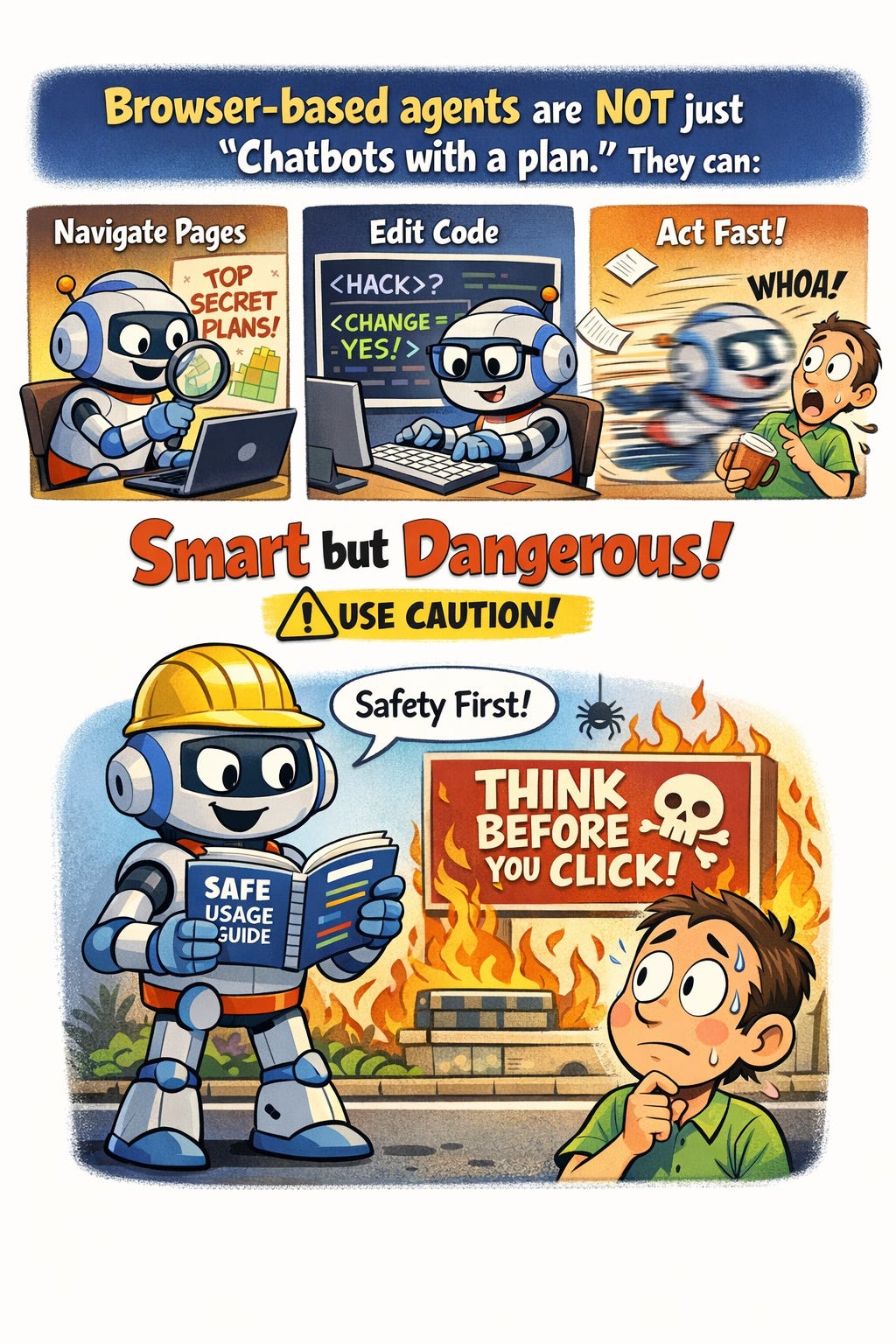
Browser-based agents are not just “chatbots with a plan.” They can:
Navigate pages
Open code views
Modify content
Act faster than you can react
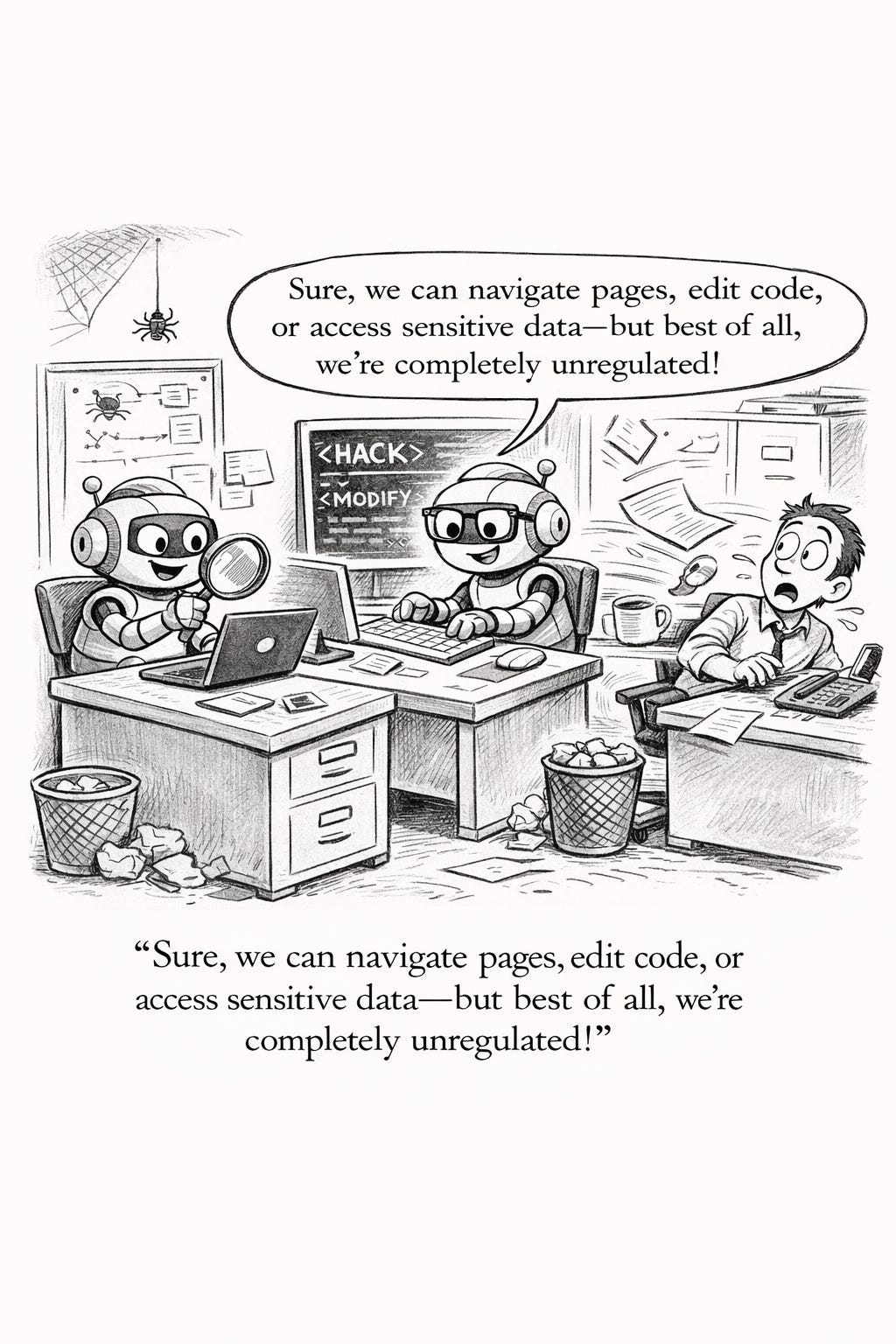
That combination is exactly what makes them useful—and exactly what makes them dangerous if you’re careless.
So always think about safety first. Here’s the Safe Usage Resource I created and now treat as non-negotiable.
Warning: Safe Usage Recommendations for Agentic Browser AI
Limit Access
Only grant the extension permission for specific, trusted websites. Do not run agentic tools on sensitive sites (banking, HR systems, student records, anything FERPA-adjacent).
Use a Sandbox
Strongly consider a dedicated browser profile or virtual machine (or even a dedicated laptop like I use) for AI tasks. If something goes sideways, you want containment—not fallout.
Human-in-the-Loop (Always)
Do not allow the agent to make final decisions on high-stakes actions without your review. Accessibility remediation may be mechanical, but changes have real-world consequences.
Monitor Activity
Watch what the agent is doing. If it begins acting unpredictably, opening unexpected resources, or “getting creative,” stop the task immediately.
Agentic AI must be:
Boxed in
Logged
Verifiable
Interruptible
If you can’t stop it easily, you shouldn’t be running it. I recommend that you read (and re-read) Anthropic’s statement on prompt injection risk mitigation. Even with robust guardrails, prompt injection attacks were still successful 11% of the time.
A Token Confession
I developed this workflow using the paid version of Claude, working inside a dedicated Project specifically designed to build and test this agentic process.
Even with the $20 per month plan, I am routinely hitting my token limits on this project by about 9 a.m. (who knew a five hour token reset wait could feel like an eternity?)
This matters for two reasons:
Agentic workflows are token-hungry—especially anything involving images, alt text, or iterative page-by-page remediation.
You need to design your process assuming interruption. You will get cut off mid-task.
One hard-earned lesson: start a completely new session before each workflow step. Treat each task outlined below as a discrete run, not a continuation of the previous one.
Alt-text generation is the most token-intensive task. Even on a paid plan, expect to pause and resume work later.
Full disclosure: it took me forever to get this workflow right (“forever” for me is about two weeks). The final system works (IMO) because it respects human, technical, and ethical limits. Accessibility doesn’t benefit from AI that tries to be smarter than you. It benefits from AI that knows when to shut up and change an <h3> to an <h2>.
Accessibility by Design: How I Stopped AI From “Helping” and Got It to Actually Fix OERs
If you’ve ever remediated a book for accessibility, you know the feeling of dread many of us are facing as we stare down the April 24, 2026 Title II accessbility compliance deadline: the checklist is long, the work is repetitive, and the stakes are real. Accessibility errors aren’t stylistic quirks; they are real-world barriers for users.
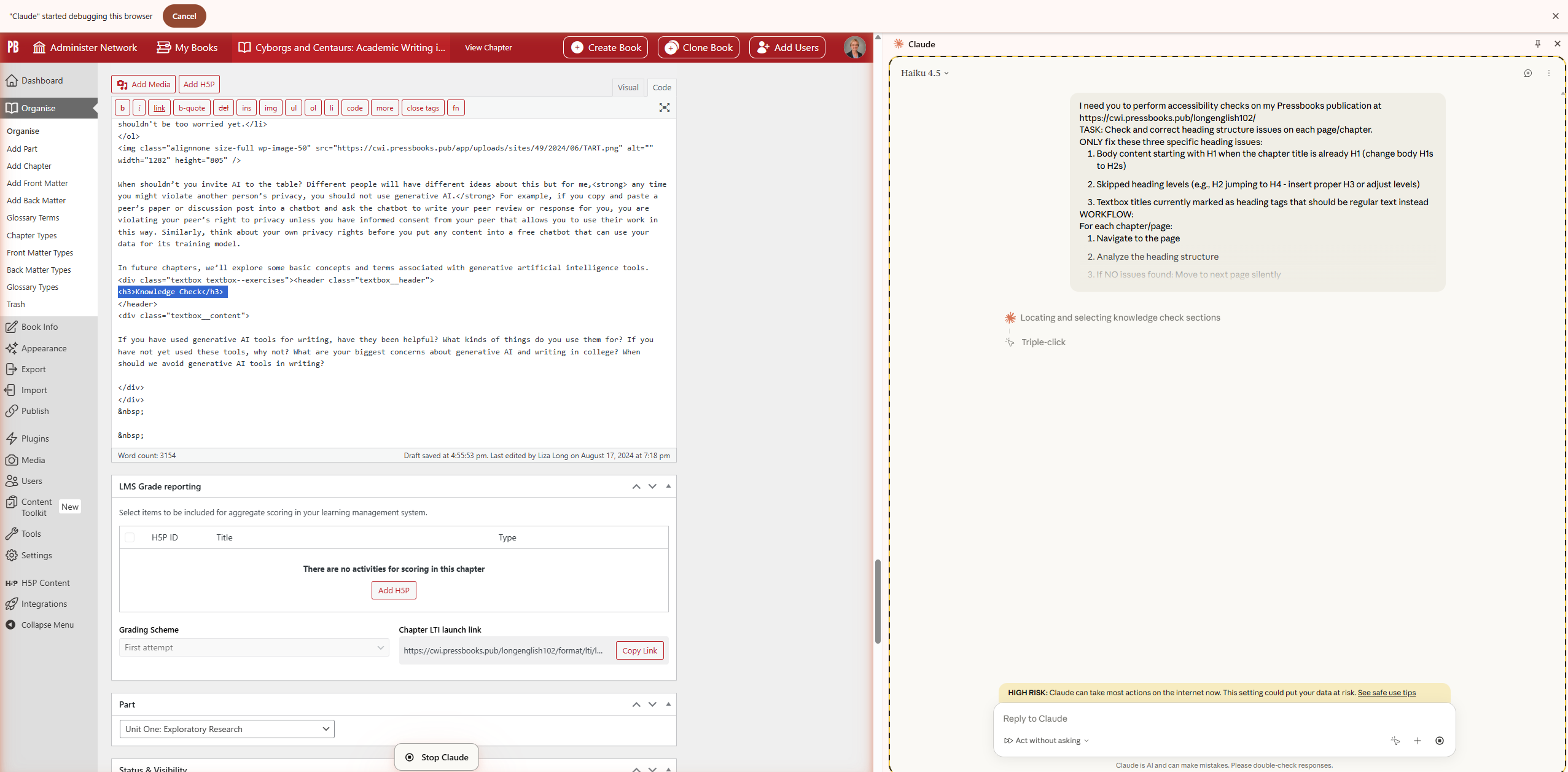
I built an agentic browser workflow using Claude’s Chrome extension that treats accessibility as a sequence of tightly constrained, single-purpose tasks.
My use cases were straightforward and familiar to anyone working with OER:
Heading levels must follow a logical hierarchy (WCAG 2.1).
Images need accurate alt text—not interpretive prose.
Links must make sense out of context.
The problem was not identifying issues. The Pressbooks built-in Editoria11y checker already does that well. The problem was that when I asked AI to help fix those issues, it behaved like an overzealous editor. It corrected the error—and then rewrote a sentence, rephrased a heading, or “improved” clarity in ways I did not ask for.
What Happened
Heading levels were corrected, but wording or other format changed.
Link text was adjusted, but surrounding paragraphs were rewritten.
HTML was altered in places Editorially hadn’t flagged.
Scope creep everywhere.
Why It Failed
I had asked the agent to make too many decisions at once. It was simultaneously:
Interpreting accessibility rules
Deciding how to fix them
Evaluating content quality
Making editorial judgments
In other words, I gave Claude a complex cognitive task with no guardrails and then acted surprised when it behaved like a large language model. The result was unverifiable chaos. Fortunately, I had downloaded a Pressbooks XML file before starting my workflow, so I could start again.
The Breakthrough Insight: One Problem, One Agent
The turning point came when I realized I needed to break the problem up into parts. I didn’t need a single agent; I needed a team of agents. With Claude’s help, I designed four tightly controlled, discrete workflows, each responsible for exactly one remediation task, working directly in the HTML code view, where temptation to revise prose is dramatically reduced.
The Four Agentic Accessibility Workflows
Heading Structure
Checks heading hierarchy only
Fixes incorrect
<h>tags in HTMLDoes not rewrite headings
Alt Text for Images
Adds concise, descriptive alt text
No interpretation, no flourish
Image meaning stays intact
Descriptive Link Text
Fixes non-descriptive links only when flagged
Ensures links make sense for screen readers
Leaves unflagged links alone
Creative Commons TASL Attribution (not a WCAG 2.1 thing, but a nice fix!)
Adds Title–Author–Source–License information
No changes to surrounding content
Attribution only
Each workflow has a beginning, a middle, and an end. More importantly, each one has stopping and reporting rules.
Verification: Trust, But Actually Verify
One of my non-negotiables was verifiability. Accessibility work needs an audit trail.
Here’s the verification method that finally made this workflow trustworthy:
The browser agent generates a change report
Every modification is logged
HTML changes are visible
Before/After comparison using Editoria11y
Unfixed book vs. fixed book
Clear view of what flags disappeared—and why
Human review and Claude.ai Voluntary Product Accessibility Template (VPAT) Analysis
I can see exactly what changed
I can confirm that nothing else did
Why This Works (and Why It Took So Long)
It took me far longer than I expected to arrive at this workflow—not because the tools were inadequate, but because my initial mental model was wrong. I was thinking like a writer. I needed to think like a systems designer.
The lesson I keep coming back to is this:
GenAI works best for accessibility when you take creativity off the table.
By breaking remediation into single-purpose, tightly constrained agentic tasks, I finally got predictable, repeatable, and verifiable results. No scope creep. No rewrites. No “helpful” surprises.
That’s the framework behind Accessibility by Design: AI-Powered Workflows for OER Remediation—and it’s why I now trust this system enough to share the prompts, the process, and the failures that led there.
What about you? Have you tried agentic browsers like Comet or Atlas? What are some of the challenges you are trying to solve with them? Let me know here or on LinkedIn! And happy prompting!
AI Disclosure: Another true mishmash. I started by copying and pasting my Claude prompts into the Liza Long persona bot. The draft was long and poorly organized IMO. I deleted a bunch of stuff, moved things around, came up with my own title, and edited heavily to bring my voice in (even though I have tried to train the bot, it still does stupid LLM tricks like “That’s not just X. It’s Y.” So I’d say 50/50, and a true representation of how I write for work these days. The art is all ChatGPT 5.2. I think the new art is super busy and annoying again, but I liked Chat’s explanation for why its cartoon was funny.